Trusted by 2,000+ professionals in US · UK · AU · CA
Tools
100 Copy-Paste AI Workflows for Email,
Presentations, Documents, Data, and Strategy.
Professional Result within 5 Minutes.





Frameworks Used by Professionals at










You're Smart. Capable.
And Completely Buried.

You wrote that email three times. It still isn't right.

You tried AI once. Got garbage. Went back to manual.

"Just pull some insights from the data." Sure. Which data. How. What insights.
Slides due in 2 hours. Blank PowerPoint. Zero ideas.

7pm. Still at your desk. Still not done.

Same email. Same report. Same deck. Built from scratch. Again.
sounds familiar?
THE PRODUCT
Every Prompt Researched. Every Output Tested.
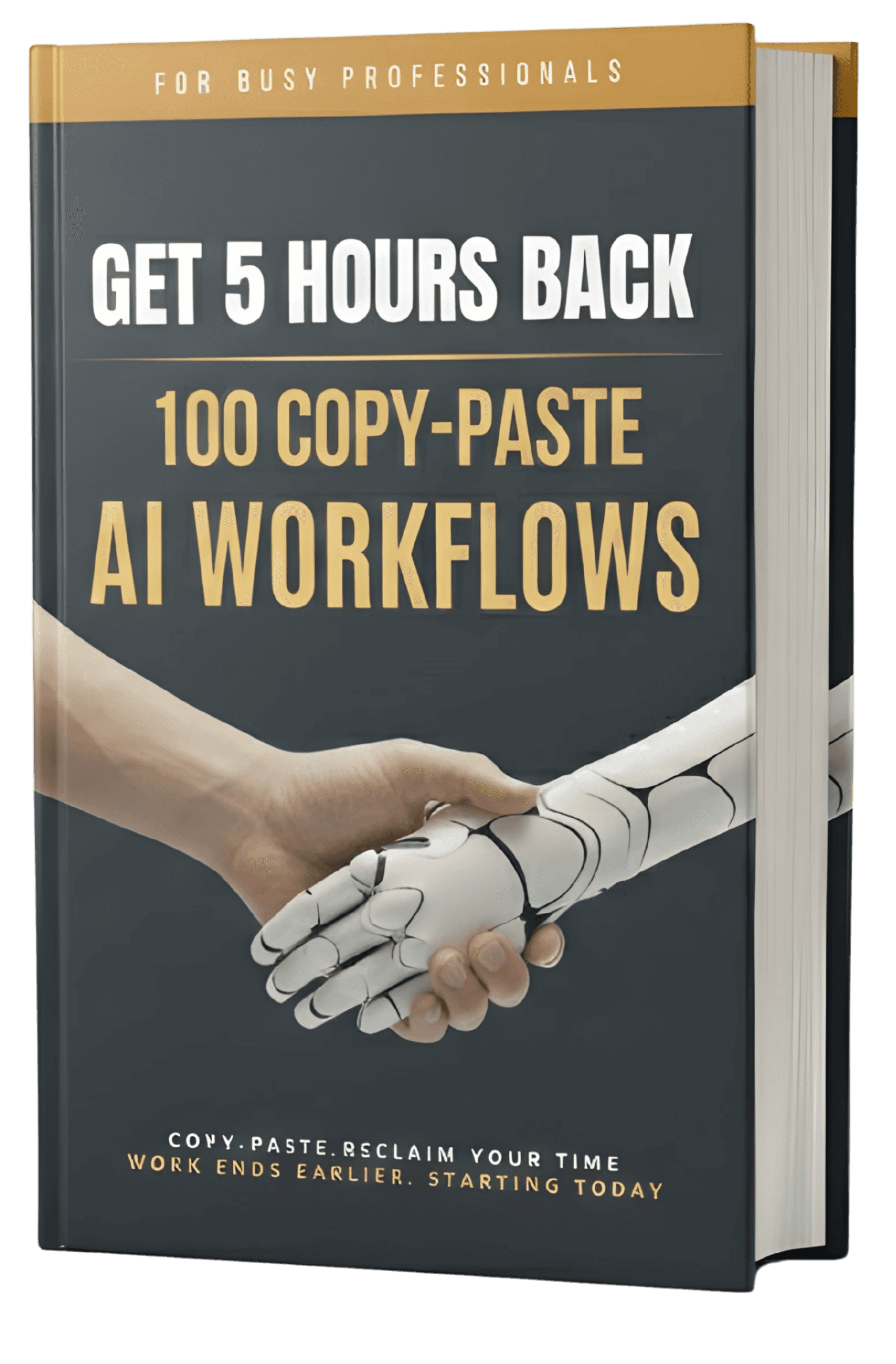
100 AI Workflows
Copy. Paste. Done.
Trusted by 2,000+ professionals in US · UK · AU · CA

What makes this Different from Online Free Prompts ?
Works where you work:
PDF, Notion & Excel.
Plus 45-min Audio Guide


100 COPY-PASTE WORKFLOWS
Automate 80%+ of your daily tasks covering Email, Presentations, Documents, Data, and Strategy. Professional Result within 5 Minutes.

THE COMMAND CENTRE
Every prompt includes the exact AI workflow, the pain point solved, and your expected time saved. No Guesswork.

THE EXPERT SECRET TIPS
Unlock advanced "prompt engineering" secrets and strategic frameworks. Field-tested by executives at Fortune 100
"I used the email prompts on Monday morning and cleared my entire inbox by 11am. Something that normally takes me half a day. This toolkit didn't just save me time — it gave me my afternoons back."

Charlotte M.
Marketing Director, AU

What's Inside Our
World‑Class AI Toolkits.
Frameworks Used by Professionals at
📧 Email & Communication 20 AI Workflows
Tap to View Examples

01
Convert Messy Notes Into a Professional Email
02
Summarize a Long Email Thread Into Clear Action Points
03
Write a Follow-Up Email After No Response
04
Write a Meeting Request Email That Always Gets a Response
05
Reply to a Passive-Aggressive Colleague Email
06
Decline a Request Politely Without Damaging the Relationship
07
Write a Thank-You Email That Stands Out
🎯 Presentation & Slides 20 AI Workflows
Tap to View Examples
01
Create a Presentation From a Single Paragraph Brief
02
Create a Full 10-Slide Presentation Outline
03
Write Speaker Notes for an Entire Presentation
04
Write the Opening 60 Seconds of a Presentation
05
Transform a Dense Report Into a 5-Slide Executive Summary Deck
06
Write Compelling Slide Headlines Using the Assertion Method
07
Convert Bullet-Point Slides Into a Visual Narrative
📊 Data & Excel Mastery 20 AI Workflows
Tap to View Examples
01
Write an Excel Formula You Don't Know How to Build
02
Analyze a Dataset and Give Me Business Insights
03
Build a VBA Macro or Google Apps Script to Automate a Repetitive Task
04
Clean and Standardize Messy Data
05
Create a Dynamic Dashboard Layout and Formula Plan
06
Interpret and Explain a Pivot Table to a Non-Technical Audience
07
Troubleshoot and Fix a Broken Excel Formula
📄 PDF & Document Mastery 20 AI Workflows
Tap to View Examples
01
Summarize a Long PDF Report Into a 1-Page Brief
02
Extract All Action Items and Deadlines From a Document
03
Write an Executive Summary of Any Document
04
Create a Meeting Agenda Document
05
Proofread and Edit a Document for Professional Quality
06
Rewrite a Dense or Jargon-Filled Document in Plain English
07
Write a Formal Business Report (Standard Structure)
💡 Brainstorming & Strategy 20 AI Workflows
Tap to View Examples
01
Generate 20 Creative Ideas for Any Business Problem
02
Create a Strategic 90-Day Plan for a New Role or Initiative
03
Prioritize a List of Ideas or Initiatives Using a Decision Framework
04
Run a Full SWOT Analysis for Your Business or Project
05
Build a Decision-Making Framework for a Complex Choice
06
Facilitate a Problem-Solving Session Using the 5 Whys
07
Write a Business Strategy One-Pager
⭐ Bonus: The 45-min Audio Walkthrough & AI Playbook
Tap to View Examples
01
Total 45-min 6-chapter Audio Walkthrough of the Book
02
The AI Tool Cheat Sheet Explained on ChatGPT, Claude & Gemini
03
Notion's Command Centre and Progress Tracker
04
Spreadsheet Version that can Easily Used with Excel & Google Sheet
05
The Top 6 Mistakes Professionals Make with AI Prompts
06
Founder's Story on Highly Productive Hack
07
5 Prompt Chains Pro Tips


Why choose us?
The Results Speak for Themselves

5+ Hours Saved Every Single Week
2,000+ Satisfied Customers Across Industries and Roles in US, UK, CA, AU

Battle-Tested Prompts
Crafted with professionals from FAANG, Fortune 100 and top consulting firms

30-Day Guarantee
Not happy? Full refund. No questions. No forms. No hassle.

Copy. Paste. Done.
100 workflows covering 80% of the tasks that eat your working week

⭐ Free Bonus Included
45-min Audio Walkthrough — hear the founder walk through workflows so you get results from day one

PDF. Notion. Spreadsheet.
Three formats included. Read it, search it, or filter it — whatever fits how you work
Testimonials
See What Happens When You Get 5 Hours Back.





Is this for you?
This Tooklit Is a Perfect Fit If You're Ready to ...
THIS IS FOR YOU IF:

You're done working late and want your personal life back.
You want to crush busywork to focus on high-impact projects.
You want a career edge, using AI as your personal assistant.
You need proven AI frameworks you can plug directly into your daily workflow.
You want actionable AI tools today, not a theoretical course with a steep learning curve.
FAQ


